Text-led composition
Describe the subject, setting, lighting and visual treatment.
Generate images from text with MOSS Image Base. Explore compositions, illustrations and bilingual visual ideas in square, portrait or landscape formats.
Your finished audio, image or text will appear here.
MOSS Image Base turns a written prompt into an image. The official MOSS-Image family uses a 5B backbone and explores Chinese and English text rendering, structured layouts and a range of visual styles. In this studio, describe your scene and choose a square, portrait or landscape canvas. Base is the lower-credit image option, useful for exploring compositions before deciding what to refine.
Describe the subject, setting, lighting and visual treatment.
Choose square, portrait or landscape output.
Generate a visual draft, then adjust the prompt for the next idea.
Official examples are credited to OpenMOSS. Studio samples were generated by us with the named API model. These are saved previews, not a result of your current settings. Research capabilities and available studio controls may differ.
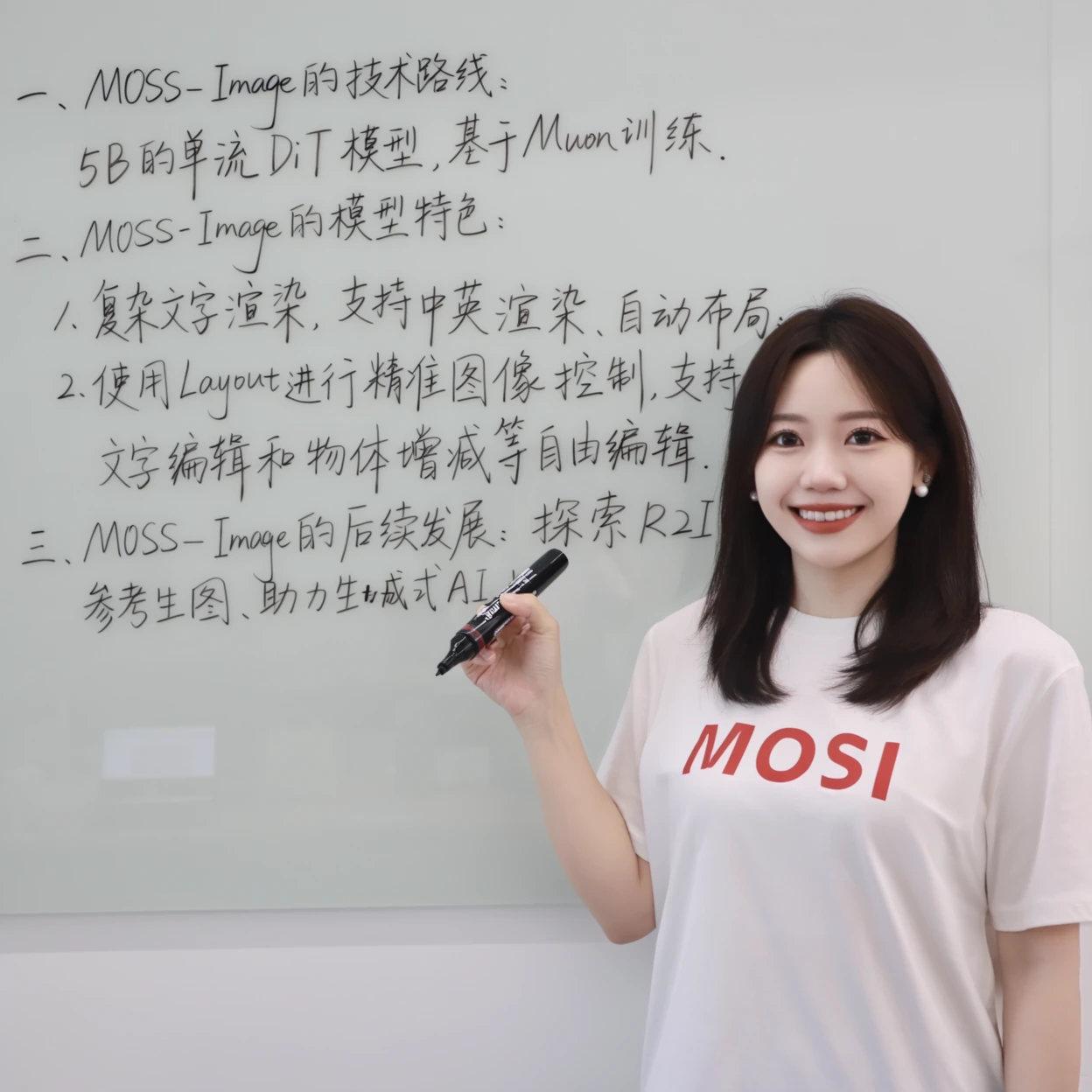
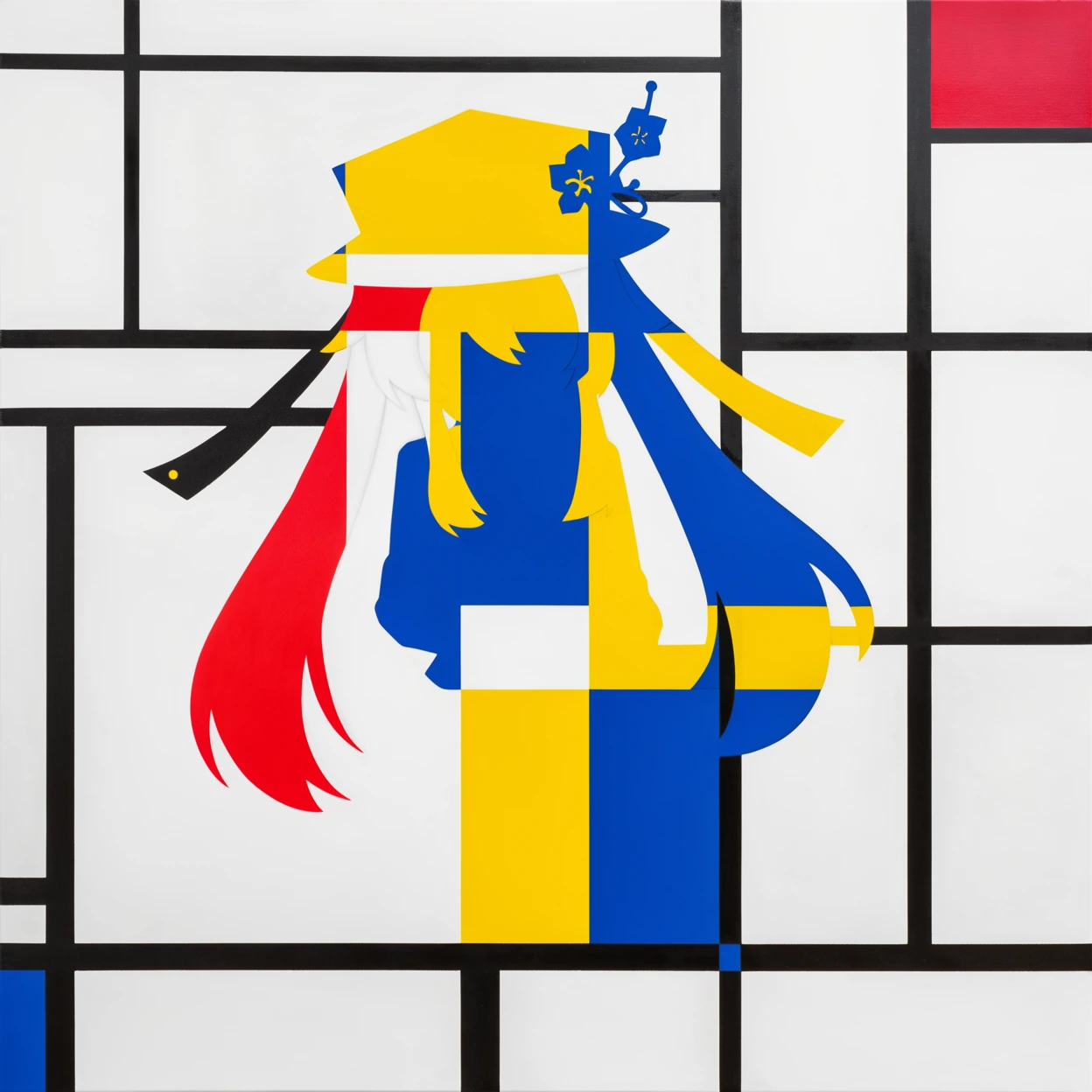
Explore an aesthetic for a campaign or creative brief.
Try compositions for an illustration, product scene or poster draft.
4 credits per generated image. The selected preset canvas shape does not change that rate.
They are separate checkpoints in the official MOSS-Image family. Base costs 4 credits here; SFT costs 6. Compare the same prompt to choose your preferred output.
The family is designed for Chinese and English text rendering, but spelling and layout can still be wrong. Inspect the actual image.
Choose a model, add your input and review the credit cost. Successful results stay in your account history; AI output may be inaccurate.
Text is rounded up to a whole credit. Audio is billed per started minute. Live voice uses one credit per 6 seconds.
Result links can expire. Download files you want to keep.
Model documentation